Edit PDFs without uploading.
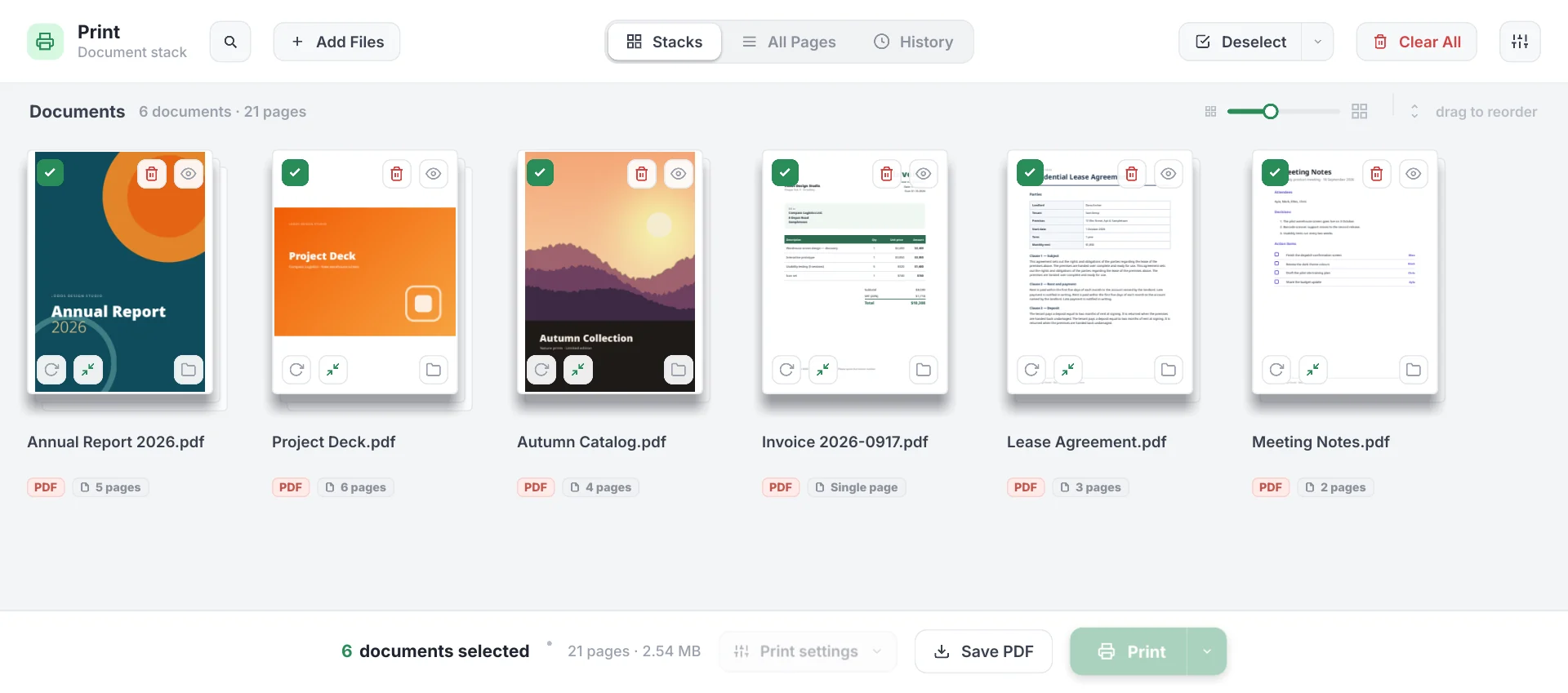
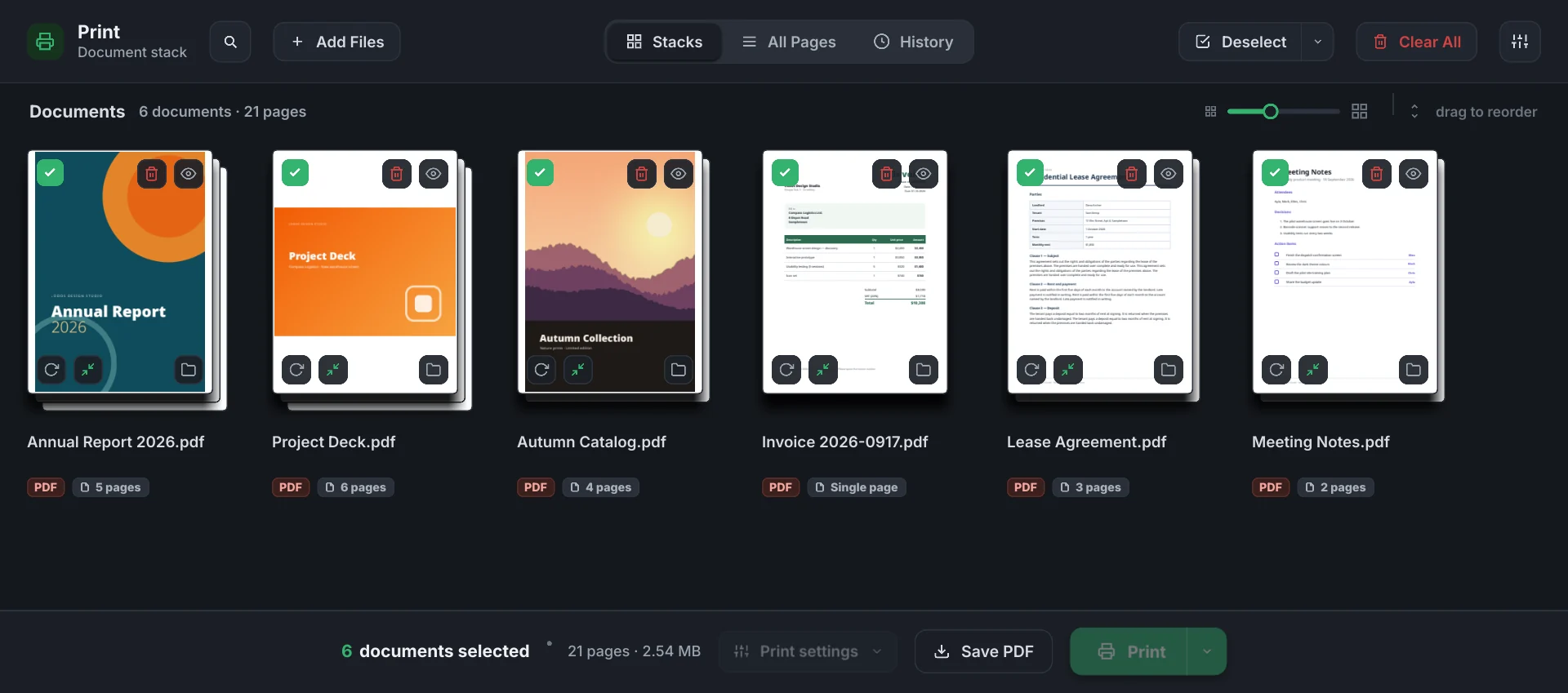
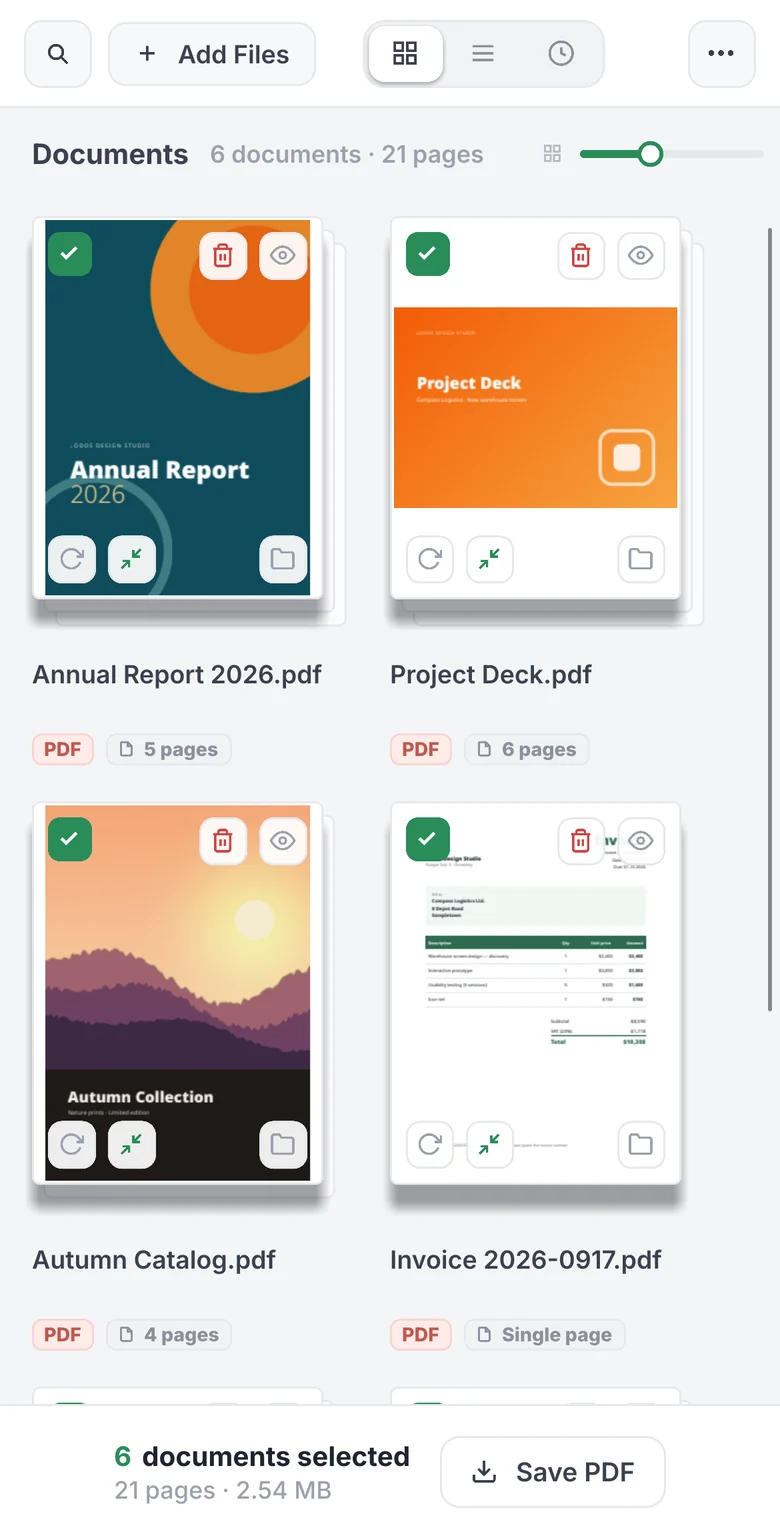
Deste merges PDFs and images, removes, rotates and reorders pages, and compresses scanned documents. Everything runs in your browser, on your own processor: your documents are never sent to a server.
destepdf.comNo installation or accountWorks on phones too
What Deste does
Everyday PDF work, in one window.
Merging
PDFs and images (PNG, JPG, WebP…) become a single PDF in the order shown on screen.
Page layout
Remove, rotate and drag pages into order, or move them to another document.
Compression
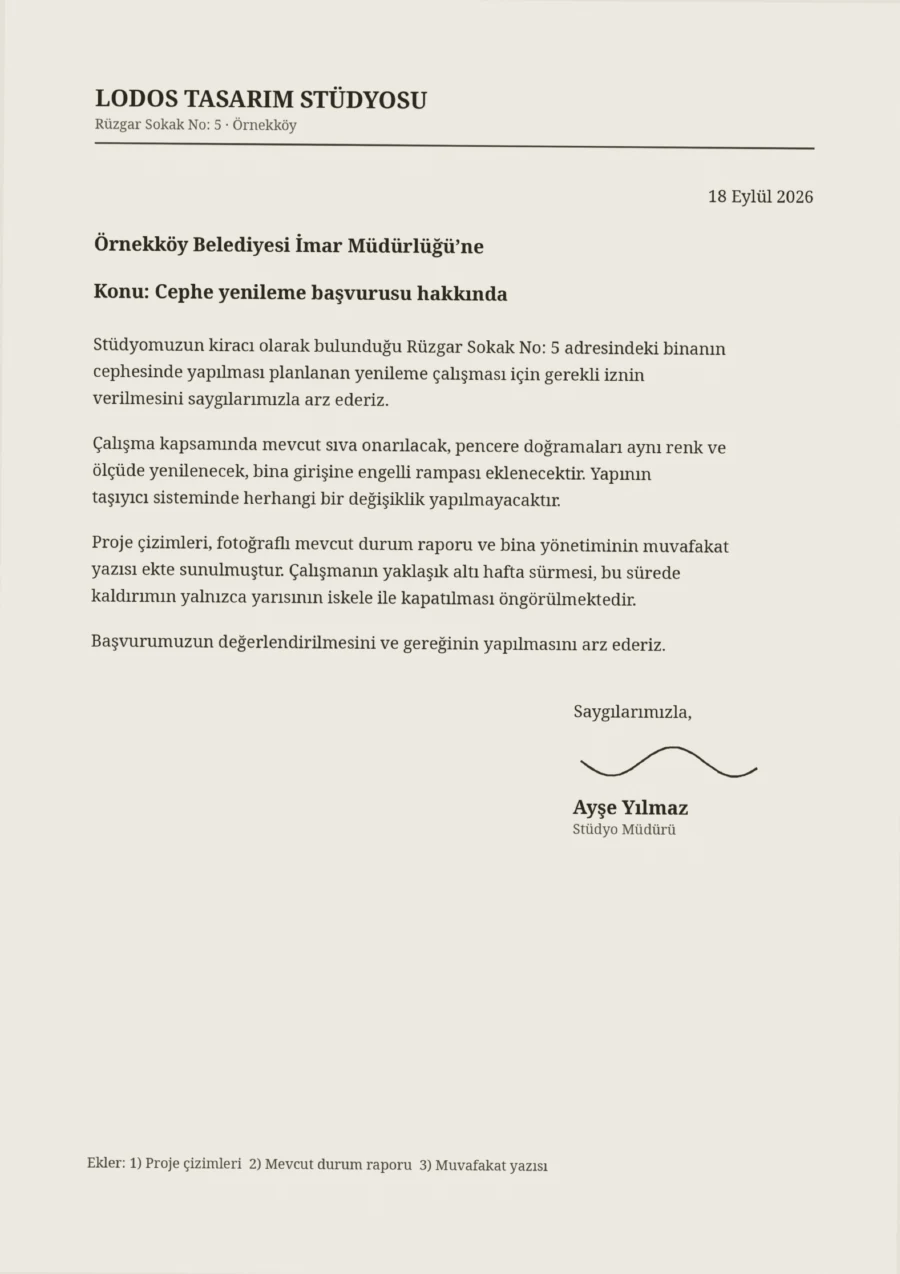
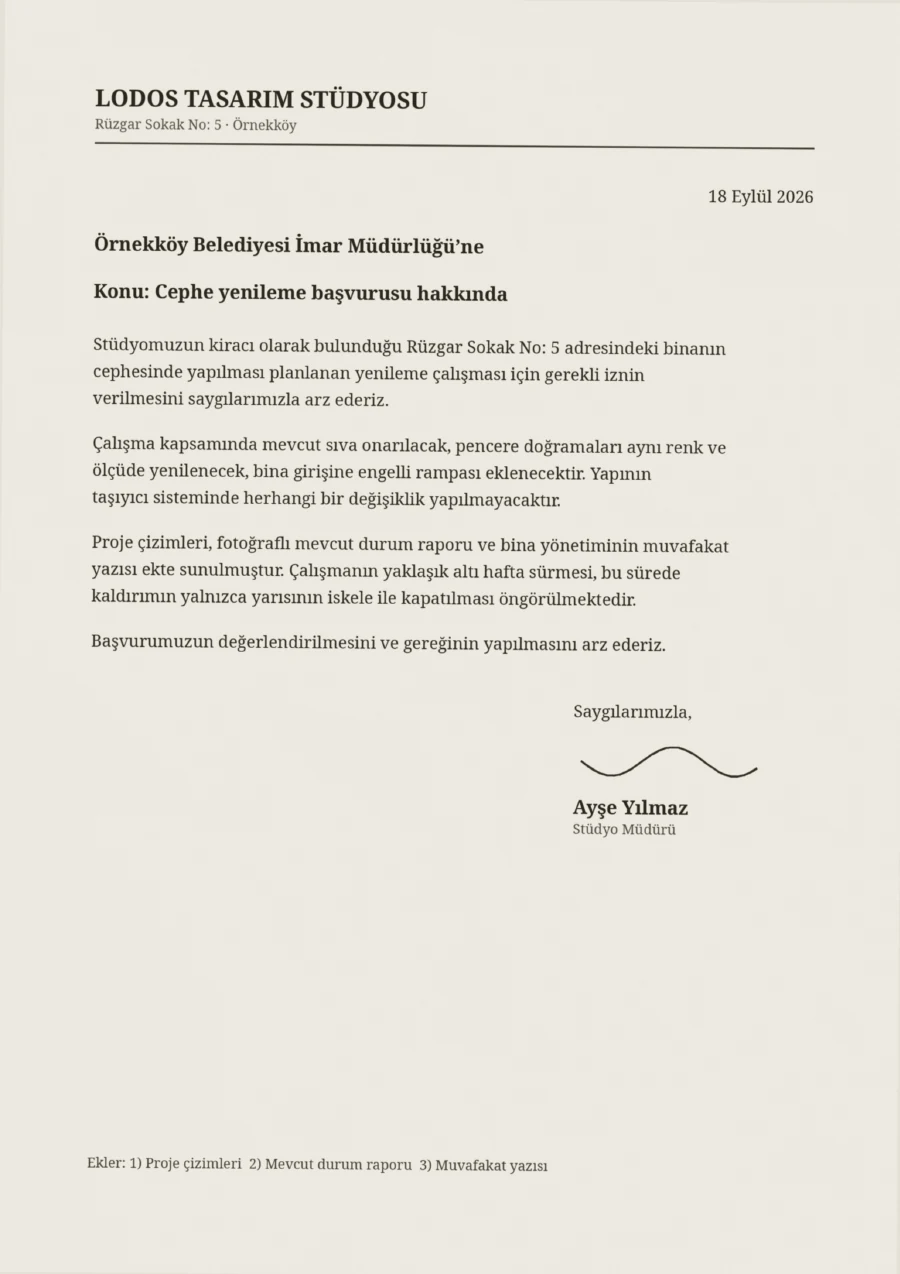
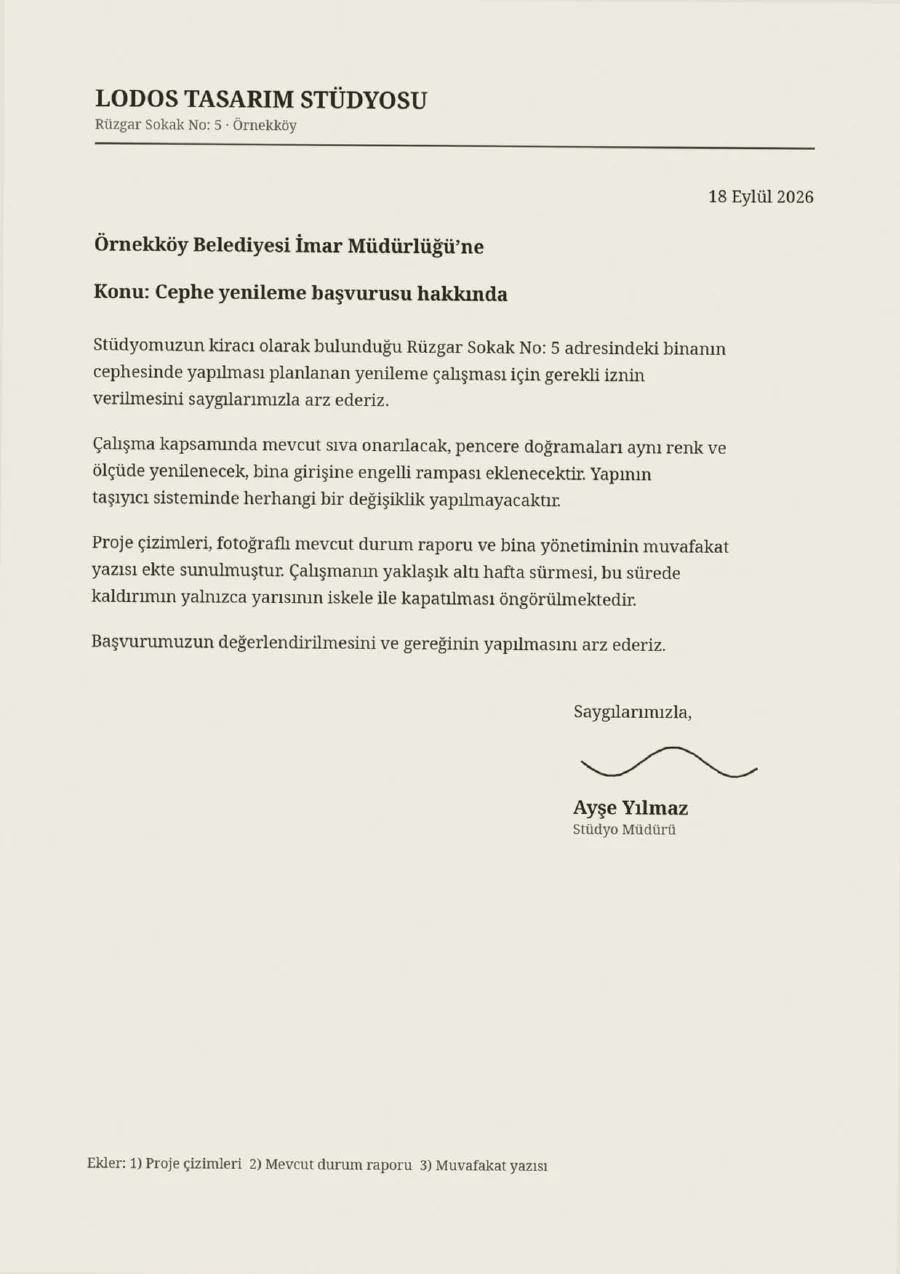
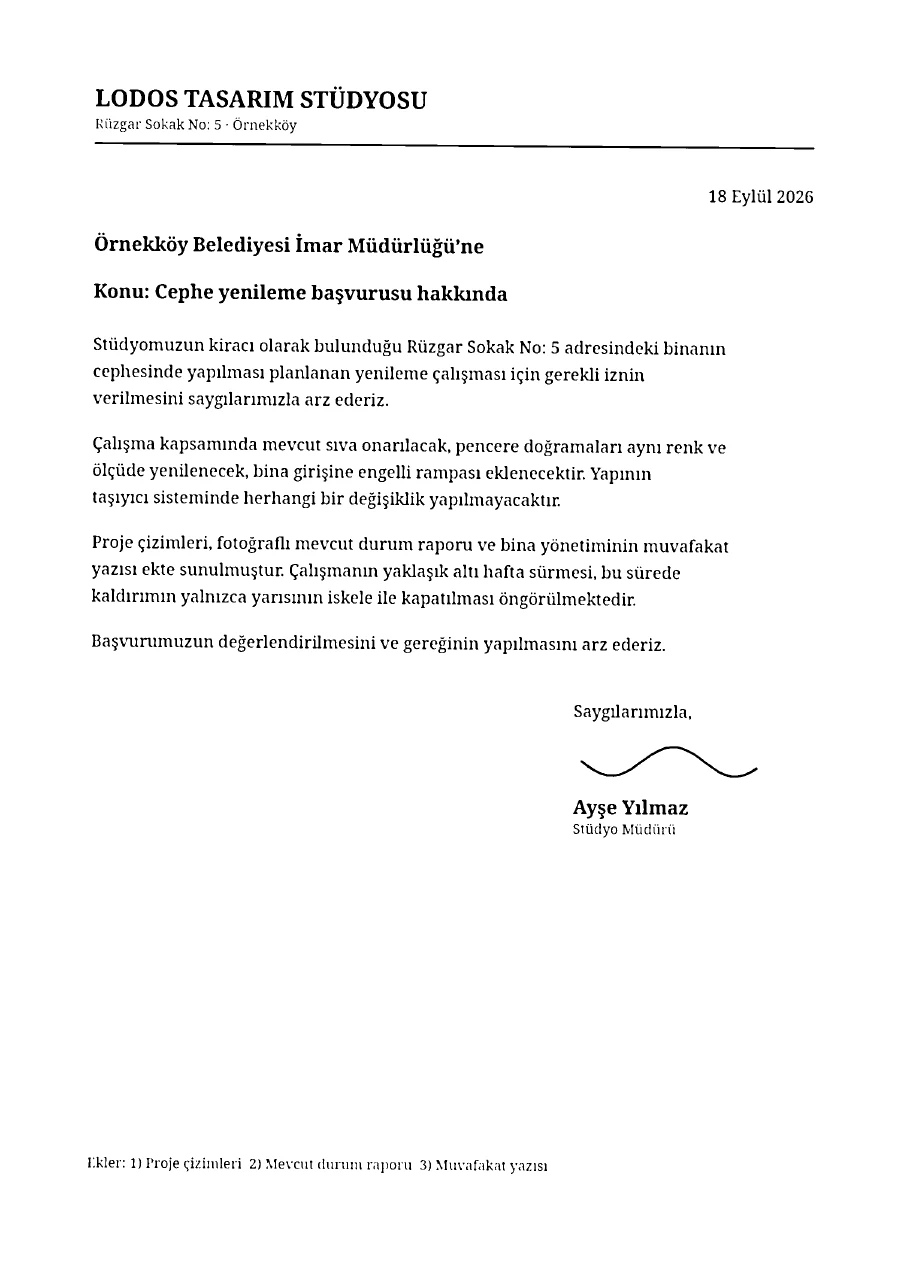
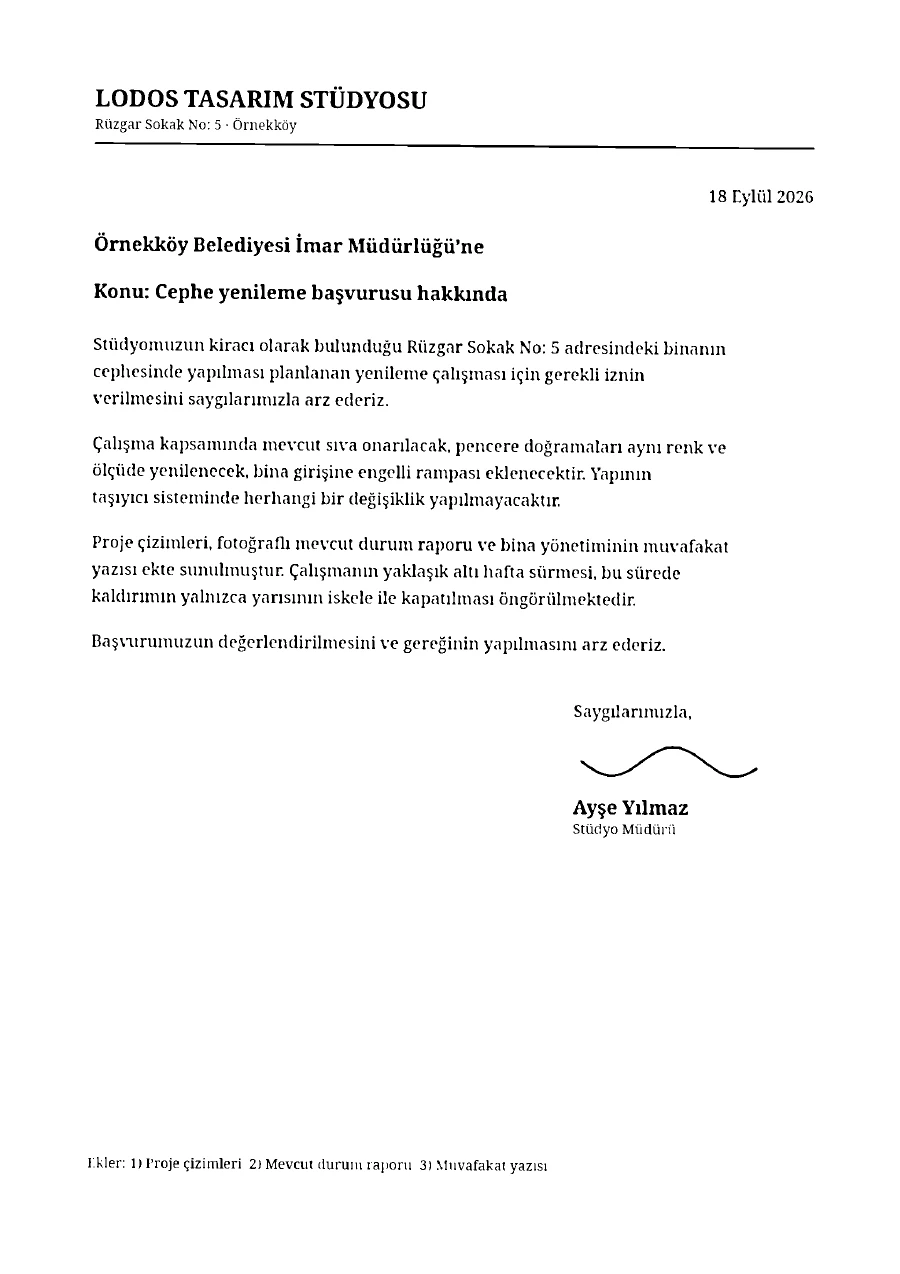
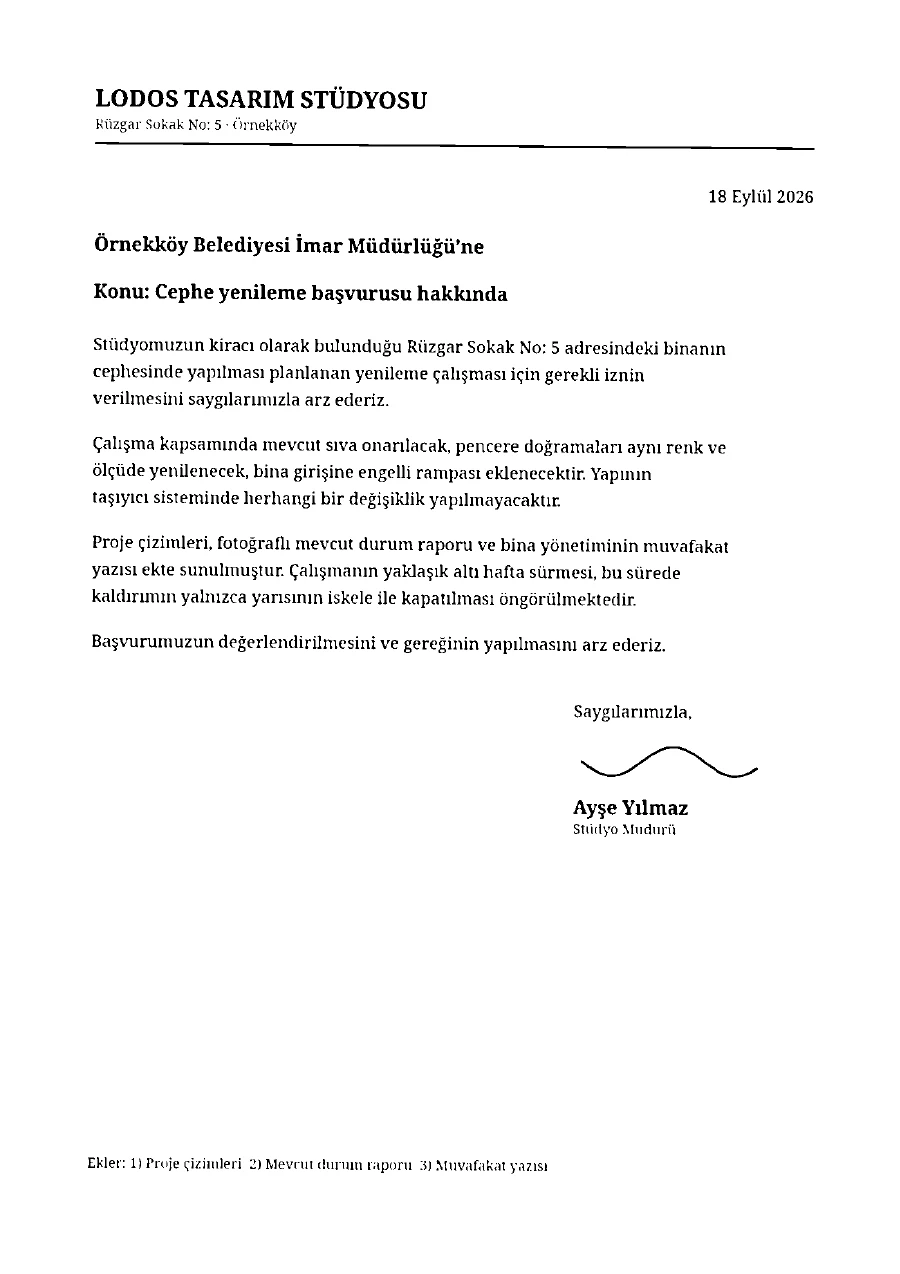
Five levels. Before saving, you see every page before and after, with its size.
Resume where you left off
Close the tab and come back: your documents, their order and your edits are still there.
- Before
- 976KB
- After
- 16.0KB
Make a scan small enough to email.
On a scanned page, Deste separates the text from the paper: it keeps the text in a sharp two-tone layer and photographs in a separate one. The result is saved as a new file; your original is left untouched.
First page of a scanned petition; drag the slider to compare the five levels. Savings vary by document.
Text is separated into sharp two-tone; photos keep their own texture. The default level.
Privacy
Not a single request leaves your device for your documents.
When you open Deste, what reaches your browser is the application itself: a PDF and compression engine written in Rust and compiled to WebAssembly. Opening, merging and compressing a document all happen in that code, on your processor.
- No account, no installation
- Open the address and start. There is no advertising, analytics or tracking code.
- Stored on this device only
- Documents you open are kept in your browser and deleted automatically when the period ends (7 days by default). You can change the period or turn history off.
- The same tool on your phone
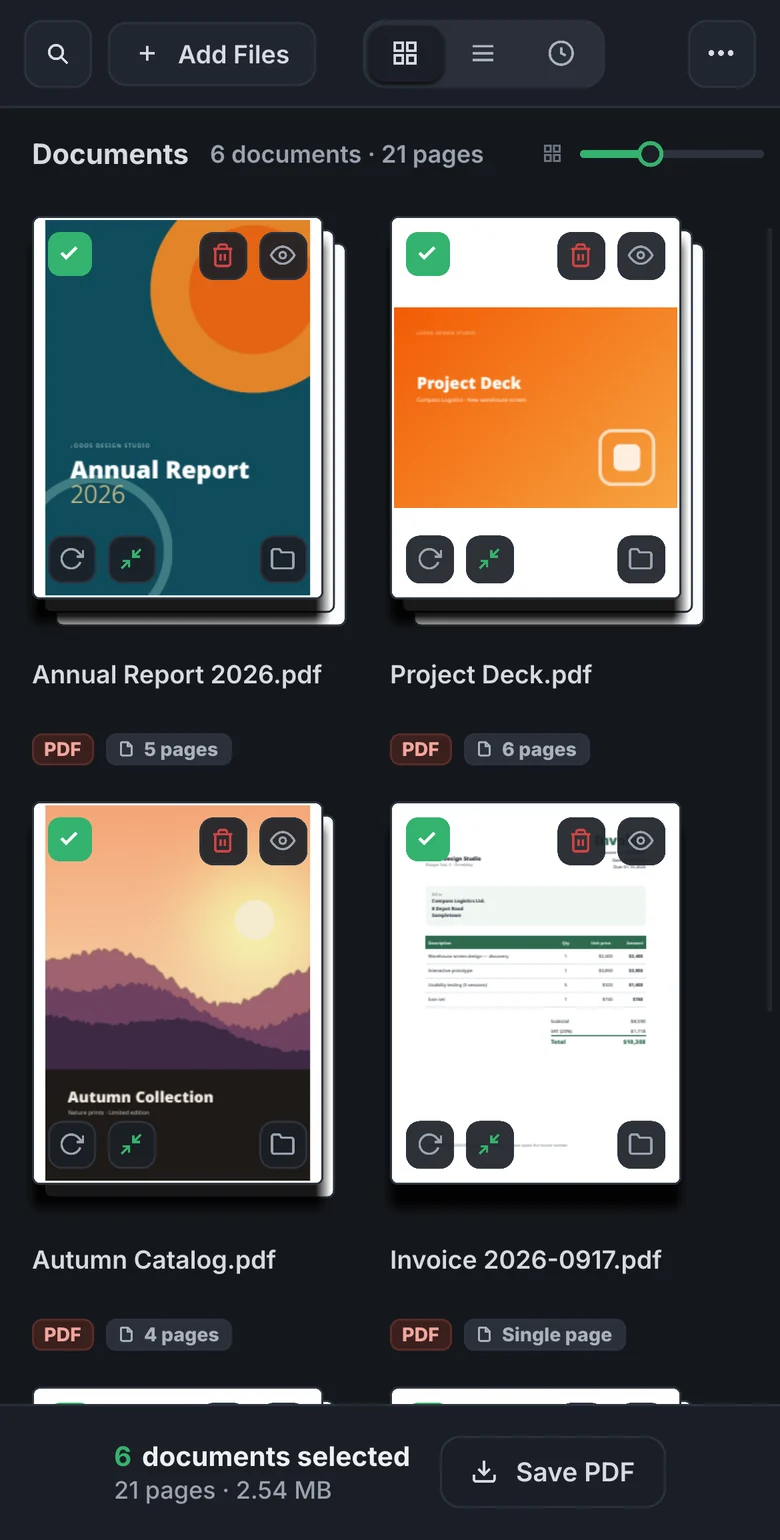
- It opens in your phone’s browser with nothing to install; drag pages into order with your finger. Tested with Chrome on Android.
Coming soon Deste for desktop — in development for Windows and Linux. It does everything the web version does and also adds itself to the system as a printer.
Deste is in beta; try it on copies of important documents first. It is free for personal and non-commercial use.
Desktop applications
Two tools that run on your computer.
File search for Linux, screen capture for Windows. Searching, capturing and text recognition happen on your device.
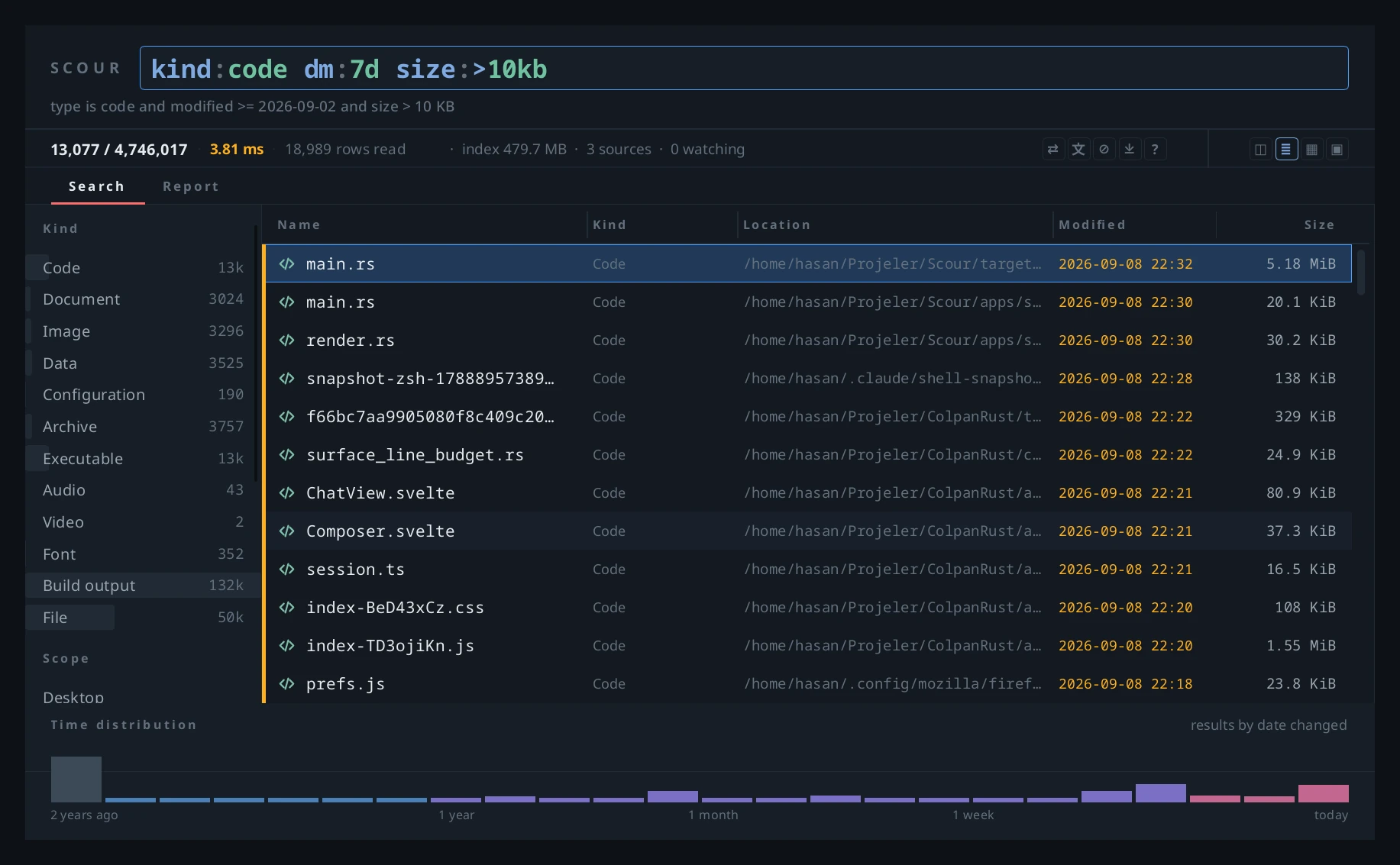
Instant file search for Linux.
Scour keeps files and folders in its own index and answers searches without rescanning the disk. Use it from a desktop window, the terminal or the browser. Free and open source.
Explore Scour →
Screen capture and OCR for Windows.
Snips stay on screen as floating windows, their text is recognised on the device, and they are kept in a searchable gallery. A single portable .exe.
Explore Snipdeck →
ReviseTouch
ReviseTouch builds software that runs on your device.
We make tools for your documents and files. Every product is built on the same three principles.
Processed on your device
Processing happens on your computer; your files are not sent to a server unless you explicitly ask, and no account is required. This includes Deste, which runs in the browser.
Written in Rust
The cores of Deste, Scour and Snipdeck are written in Rust; Deste runs in the browser as WebAssembly.
Measured, not promised
We publish speed and size claims together with their measurements. Scour’s search times are on its product page with the method; Deste’s compression example is the engine’s actual output.
Newsletter
Hear about new releases.
We send an email when a product launches or a major version is released. Your address is used for these announcements only.