Introduction
What Deste is, how it runs in your browser, why your documents never leave your device, and a map of this documentation.
Deste is a PDF tool made by ReviseTouch. It merges PDFs and images, weeds out, rotates and reorders pages, moves pages between documents, and compresses scanned documents. The web version runs at destepdf.com with no installation and no account.
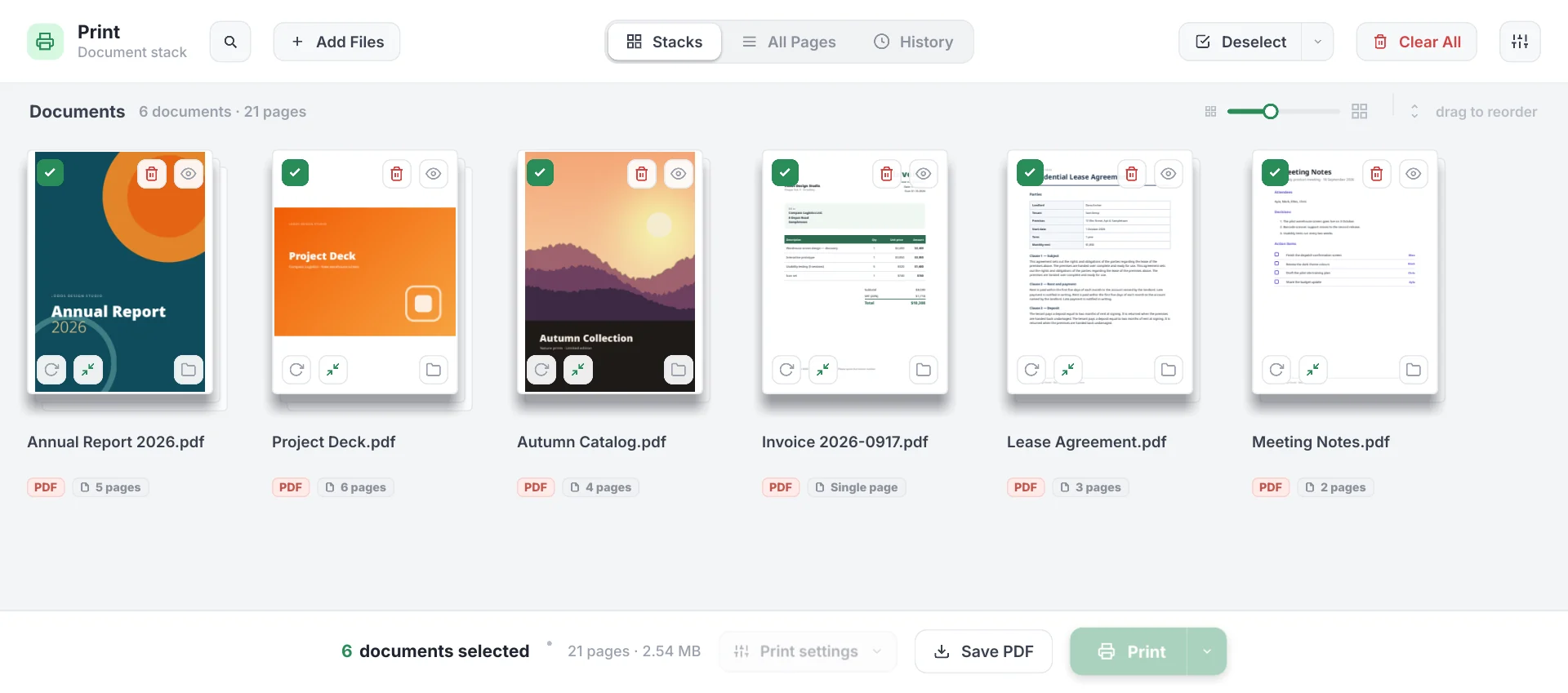
In your browser, but on your device
Deste opens like a website and works like an app. What your browser downloads when you open the site is the app itself: the interface, the PDF engine and the compression engine, written in Rust and compiled to WebAssembly. Opening a document, drawing pages, merging and compressing are all done by this code on your processor.
- Your documents are never uploaded to any server — ours included.
- Once the app has loaded, working on documents uses no internet.
- There is no account, sign-up, advertising, analytics or tracking code.
See Privacy for details.
What you can do
| Task | How |
|---|---|
| Open PDFs and images | PDF, PNG, JPG, WebP, BMP, GIF, AVIF. Images become PDF pages. |
| Merge | The selected documents become one PDF, in the order shown on screen. |
| Remove and rotate pages | Uncheck a page or rotate it 90°; a single page or the whole document. |
| Reorder | Drag and drop documents and pages. |
| Move between documents | Move or copy a page to another document; split a document in two. |
| Compress | Five levels; scanned documents often shrink to less than a tenth of their size. |
| History | Documents you open stay in this browser for 7 days (adjustable). |
| Pick up where you left off | Close the tab and reopen it: your open documents and edits are still there. |
| Phone | The same app in your phone’s browser, adapted for touch. |
Web and desktop
The version available today is the web version. A desktop version of Deste (Windows and Linux) is also in development; it can’t be downloaded yet. The desktop version does everything the web version does, and also adds itself to your system as a virtual printer: when you choose Print → Deste in any program, the job is collected in Deste instead of going to paper, then printed on your real printer double-sided and economically. These features are covered on the Capturing prints and Print options pages.
This documentation
Start here
- Getting started — nothing to install; browser requirements.
- Quick start — your first merge in a minute.
- FAQ — frequently asked questions.
Features
- Organizing documents — views, selection, reordering, removing pages, moving, splitting.
- Saving as PDF — merged or one by one.
- PDF compression — five levels, advanced options.
- History and resuming work — documents kept in the browser.
- Capturing prints — desktop version.
- Print options — desktop version.
Reference
Deste is a beta release. Try important documents on copies and check the PDF you get. It’s free for personal, non-commercial use; for feedback and commercial use, contact info@destepdf.com.